Choosing the right name for your business, service or website can be frustrating. It’s not uncommon to think of the “perfect” name, only to discover that it’s already being used. Or, on second thought, perhaps it just isn’t the right fit for you. This trial-and-error process slows down your progress and keeps you from getting things done.
Wouldn’t it be great to speed up that process and have some help in finding that perfect name? It’s now possible with Business Name Generator – and it’s incredibly easy to use.
Its powerful AI has built-in intelligent word recognition that will generate thousands of potential names, each one relevant to your industry. Plus, it searches through multiple domain extensions in order to show you what names are available.
Instead of coming up with ideas on your own, you can now take inspiration from this free tool. Want to see how it works? Let’s take a look!
Step 1: Enter Your Keywords
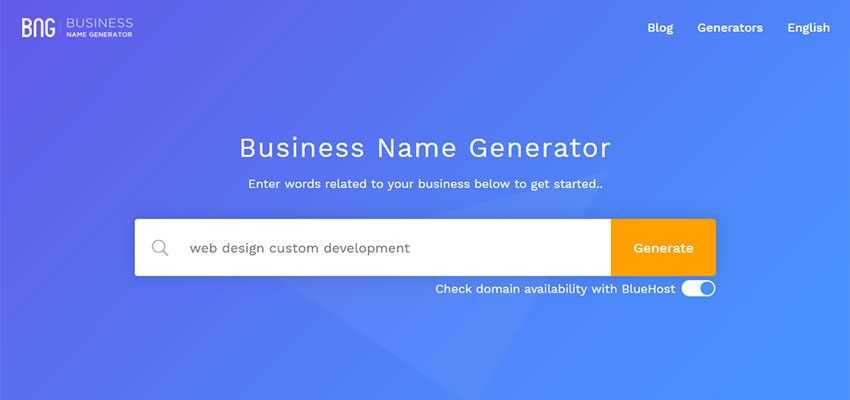
To get started, enter a few keywords that relate to your business. You can be as general or specific as you like. Business Name Generator will use these words to determine what you do and the industry you’re in. From there, it will direct you to a results page that allows for further tweaking.
Step 2: View the Results
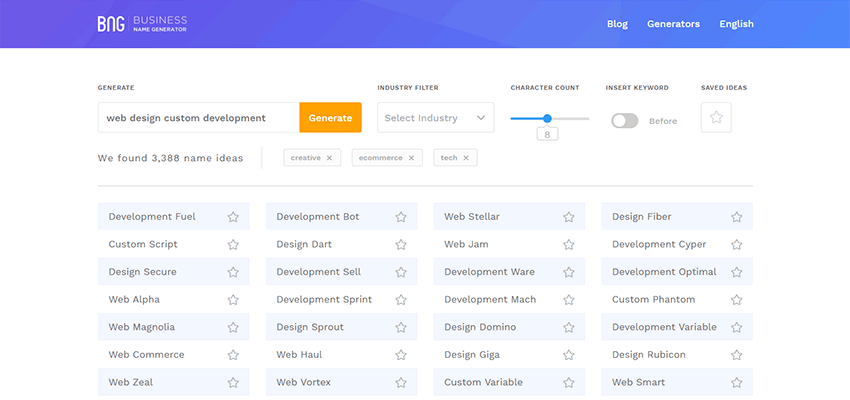
Your results page will show you the number of names generated, along with some other helpful information. For instance, you’ll also see a listing of suggested industries for your name, to which you can add or subtract. This will help you narrow down results to find even more relevant names.
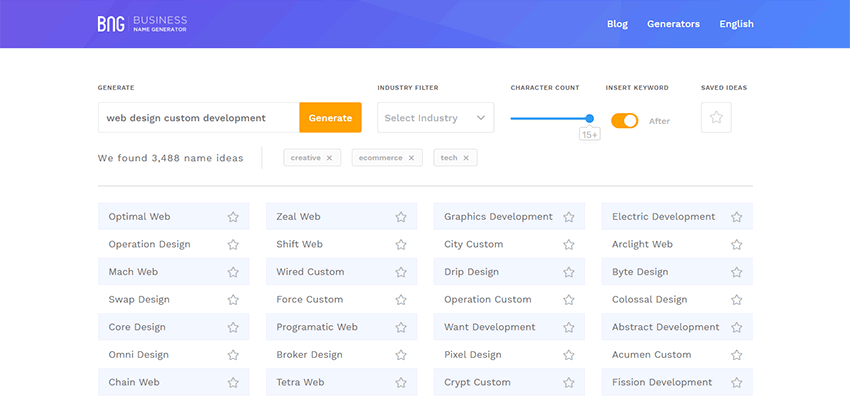
Plus, there are a few other important settings to know about:
Character Count
Optimize your results to include names that are of a desired length. Want to limit your name to no more than eight characters? Change the slider to the appropriate number and your revised list of names will be automatically generated.
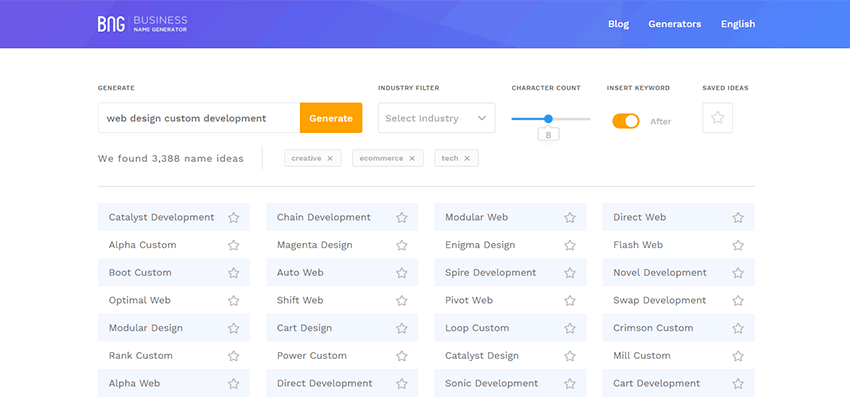
Insert Keyword
Business Name Generator will place relevant a keyword from Step 1 with your name. You can choose to have it added before or after the name to get a better feel for how it fits.
Step 3: Find Matching Domains
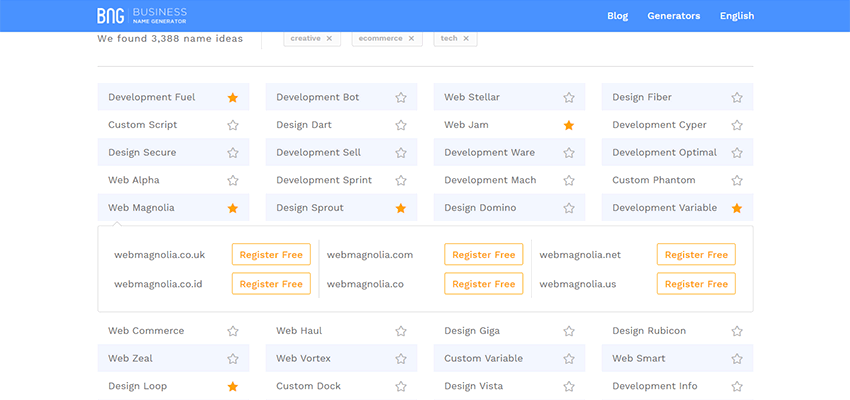
See a name you like? Click on it and Business Name Generator will search for available domain names using a variety of different extensions. This is a huge timesaver and will help to ensure that both your business and domain names are a perfect match.
If you’ve found a domain you love, you can even start the registration process right then and there.
Hint: Just searching for a great domain name? Then check out the free Domain Name Generator.
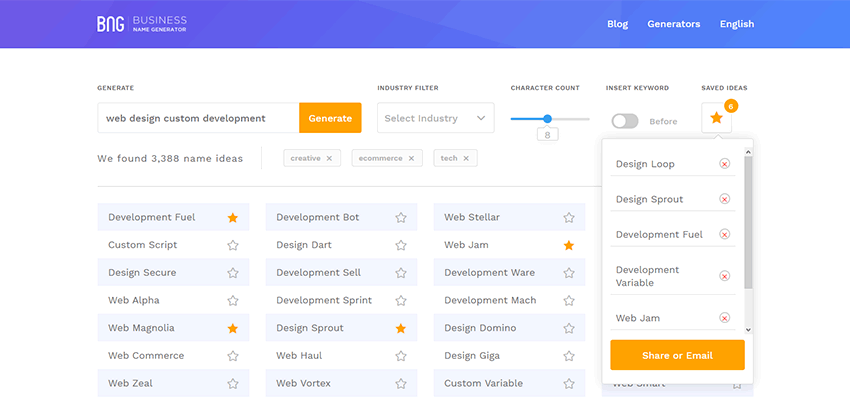
Of course, there’s no need to rush a decision this big. That’s why Business Name Generator lets you create a list of favorite names – just click on the star next to the names that interest you.
Once your list is complete, click on the Saved Ideas icon. You’ll have the choice of emailing your list or sharing it on social media. You don’t even have to register for an account. It’s that simple!
Start Brainstorming with Business Name Generator
Think of Business Name Generator as your super-creative virtual friend. Give it a few basic ideas about your business and it will provide you with an in-depth listing of potential names. And it doesn’t even mind if you ask it to narrow down the results.
What’s more, this incredible tool is completely free and doesn’t require registration. It makes use of powerful AI and even works in six different languages (English, Spanish, Italian, Portuguese, German and French).
Try it today and let Business Name Generator inspire you.
This post may contain affiliate links. See our disclosure about affiliate links here.