Apple devices are cool. But if you’ve ever switched to an Android device you know how much utility you’ve been missing out. We all have nightmares about “Syncing” our device with iTunes. Well, when there’s a problem, there are people who work on fixing that problem.
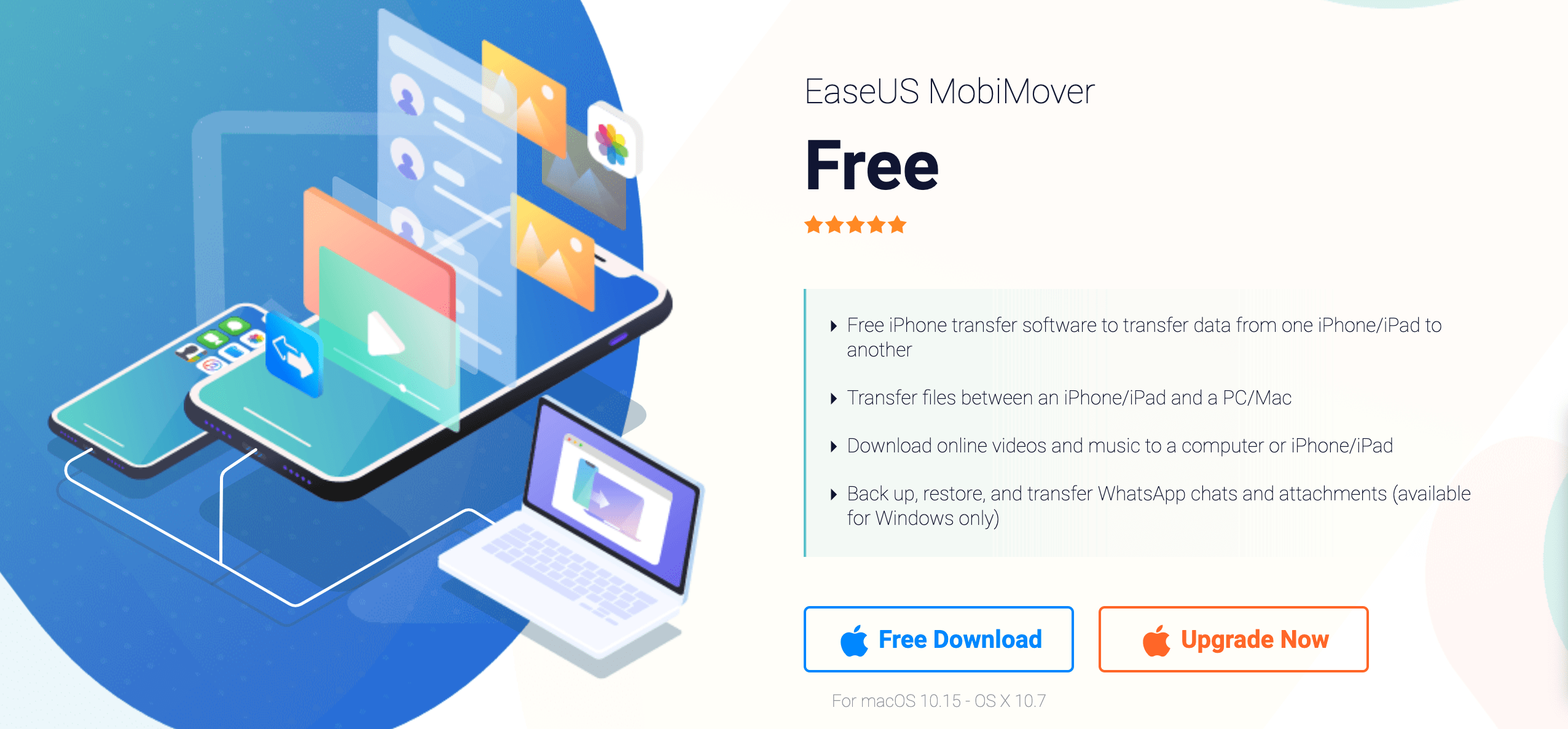
EaseUS MobiMover, as the name implies, is a tool that’s made to make the life of an Apple device user easier. Simply put, EaseUS MobiMover is a free file transfer software for transferring files between an iPhone and a PC or vice versa.
As mobile devices increasingly enter into our daily lives, they act as our cameras, wallets, music players, and even as business tools. Despite all of that, most iPhones have a limited storage capacity and we can easily lose our phones. With EaseUS you can easily transfer file between iPhone and Mac to quickly backup your files, photos, music, videos, and more.
EaseUS also allows you to easily transfer files between different phones. Let’s assume that you finally decided to upgrade your old iPhone with a new one, you’ll probably want all of your files on the new device as your phone is basically the passport of your daily life.
You can also back up your Whatsapp conversations safely and securely away from prying eyes and export contacts from iPhone to PC.
EaseUS is a fully-fledged iPhone file management platform and it’s main features include:
- File transfer between an iPhone/iPad and a PC.
- File transfer between two iPhones/iPads
- iOS files backup and file restoration
- Whatsapp chat & attachment back up.
- Access to your iPhone/iPad files from a PC.
On top of all of the features and use cases listed before, EaseUS MobiMover also allows you to download videos and audio files from over 1,000 supported websites. This is one of the main problems with iPhones. You don’t have any option to download videos if you want to watch them offline other than relying on shady websites that both risk your device and reduce quality.
EaseUS allows you to download from sites such as YouTube, Twitter, Facebook, etc. You can even download your favorite audiobook to listen on the go. You can download these files directly to your phone or even download them to your PC.
We have tested EaseUS MobiMover so you don’t have to. Prior to hearing about it, we usually had to make room while we were outside (our cloud storage was already full). Setting it up is not that difficult and once you get the hang of it, it becomes quite convenient to use. We were able to back up our entire phone in quite a short time and we could clear space in our device through our PC easily.
All in all, EaseUS is a great tool for anyone who uses the iPhone extensively during their daily lives. Once you taste the peace of mind that comes when you know you can take as many photos or videos without worrying about opening up space and missing out on great memories.