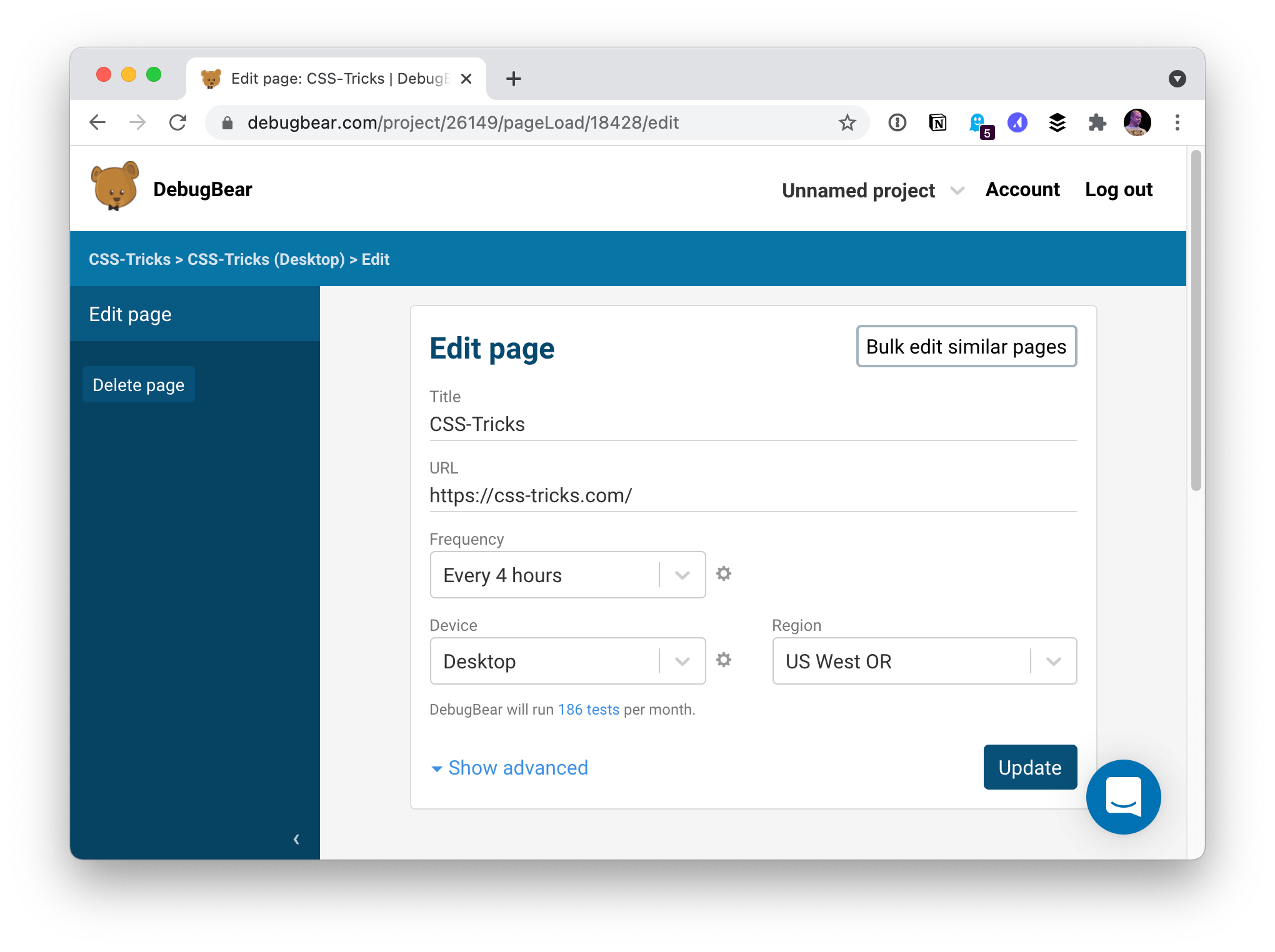
DebugBear takes just a few seconds to start using. You literally point it at a URL you want to watch, and it’ll start watching it. You install nothing.
It’ll start running tests, and you’ve immediately got performance charts you can start looking at that are tracked over time, not just one-offs.
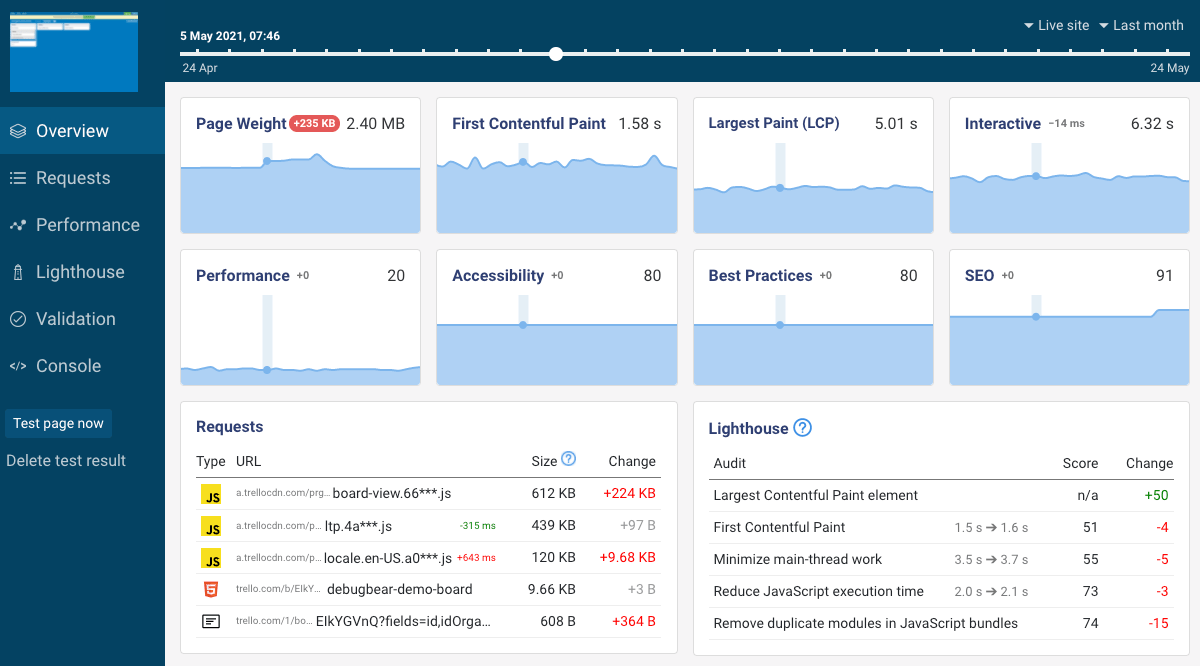
I’ve got full Lighthouse reports right in there, showing me stuff I really need to work on.
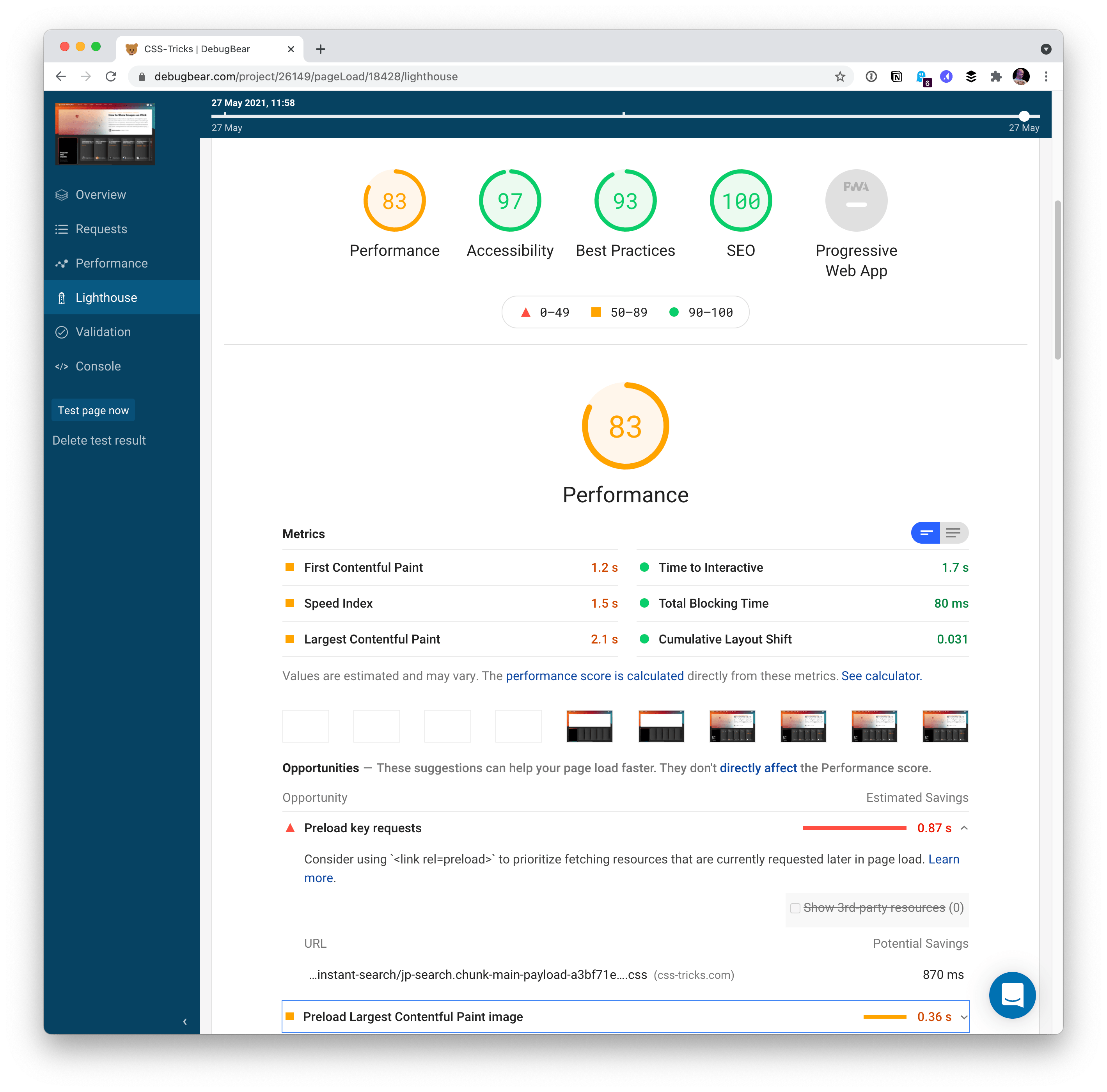
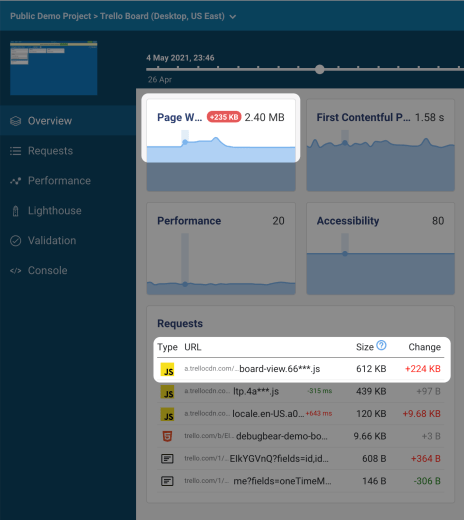
Because all these changes are tracked over time, you can see exactly what changed and when. That’s pretty big. Did your JavaScript bundle jump up in size? When? Why? Did your SEO score take a dip? When? Why?
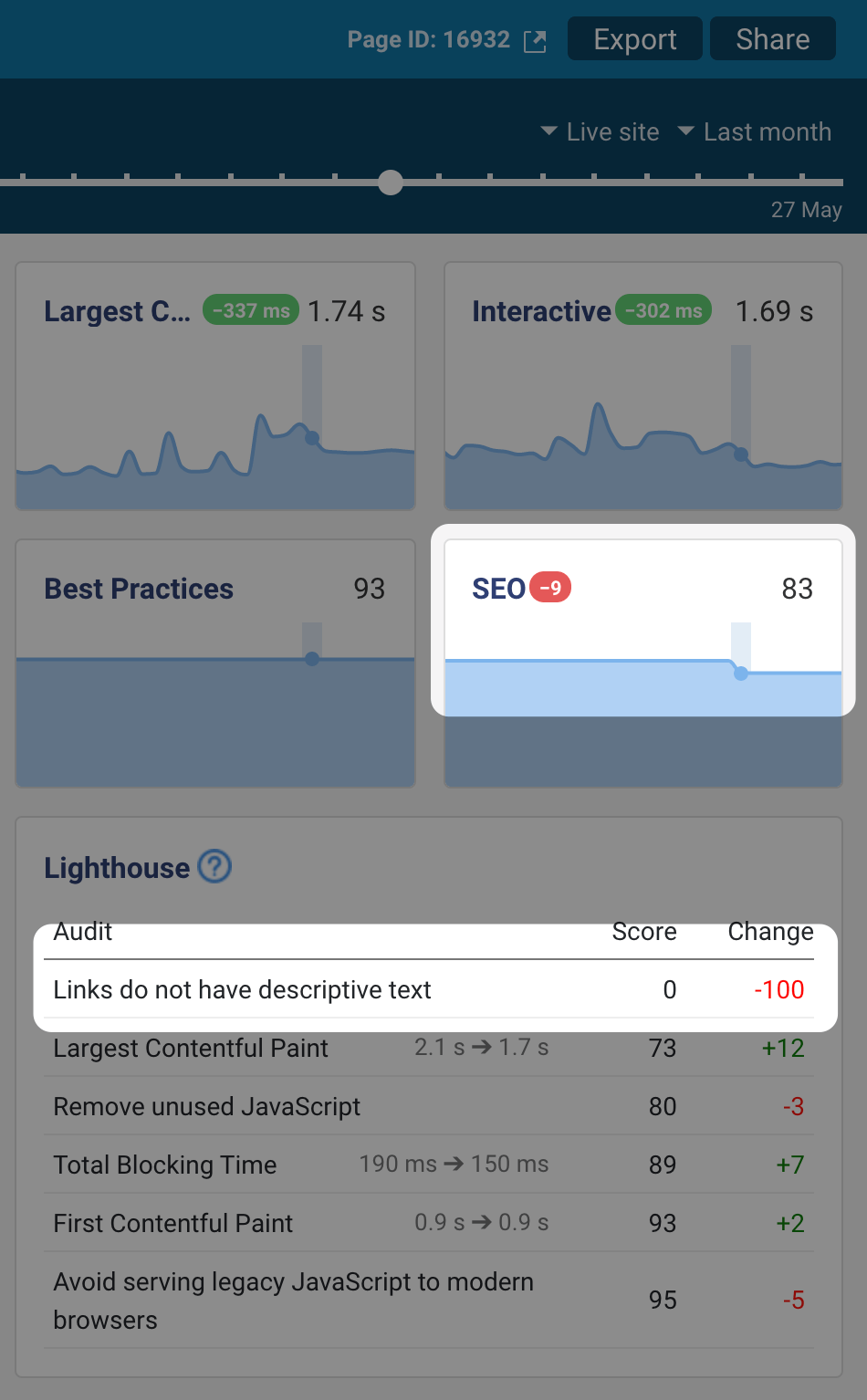
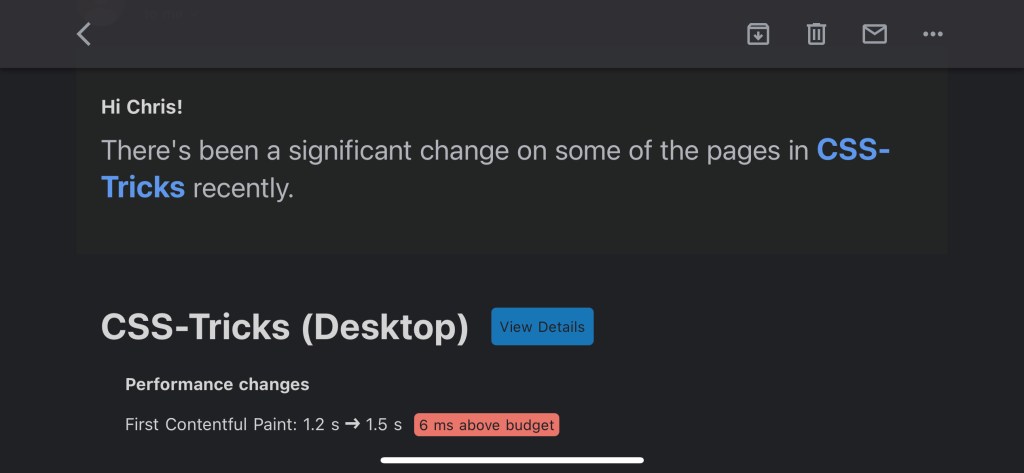
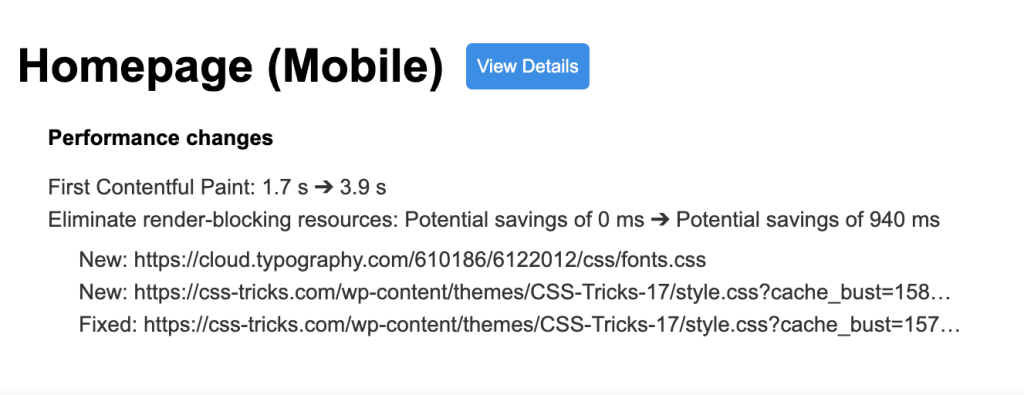
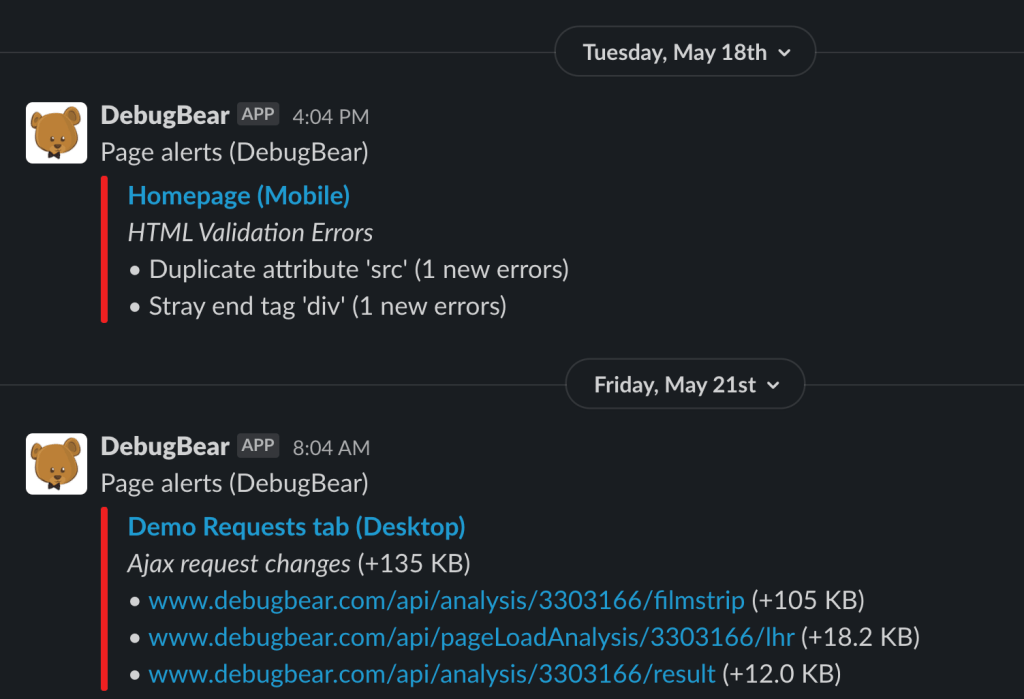
Another great thing: DebugBear will email you (or send a Slack message) when you have regressions. So, even though the charts are amazing, it’s not like you have to log in every time to see what’s up. You can also set very clear performance budgets to test against:
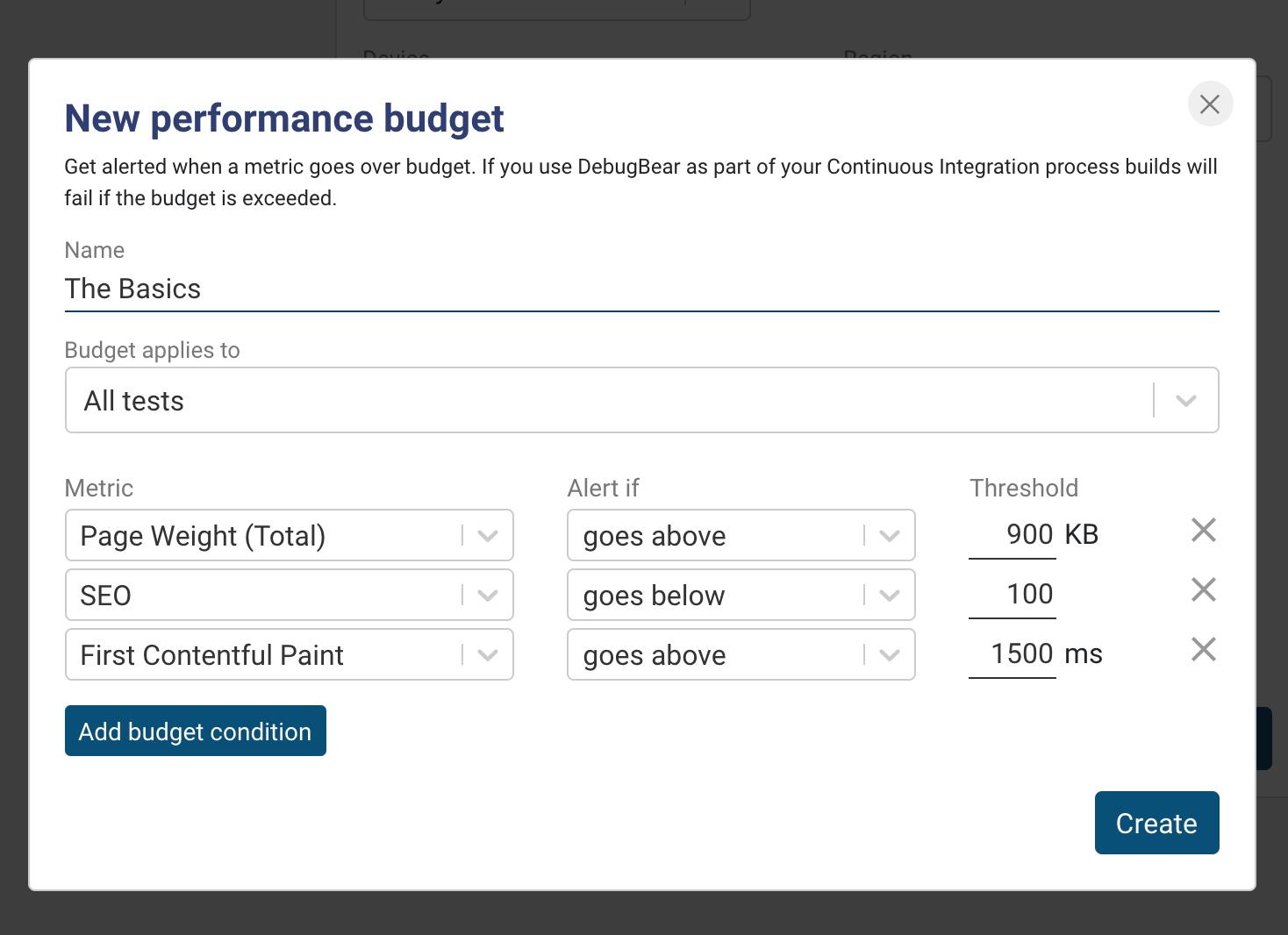
Break a performance budget? You’ll be notified:
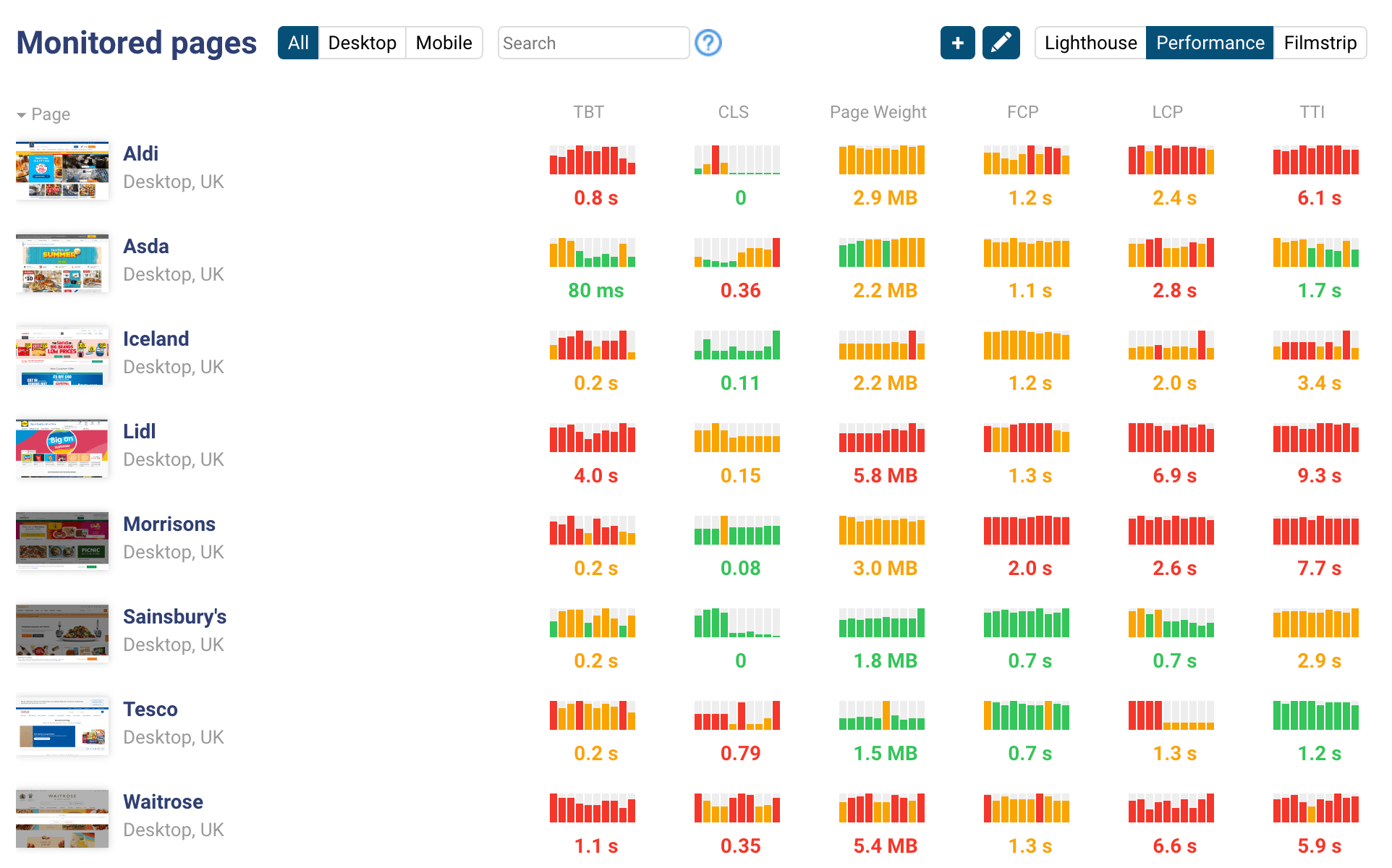
Want to compare across different areas/pages of your site? (You can log in to them before you test them, by the way.) Or compare yourself to competitors to make sure you aren’t falling behind? No problem, monitor those too:
Testing production is a very good thing. It’s measuring reality and you can get started quickly. But it can also be a very good thing to measure things before they become a problem. You know how you get deploy previews on services like Netlify and Vercel? Well, DebugBear has integrations built just for for services like Netlify and Vercel.
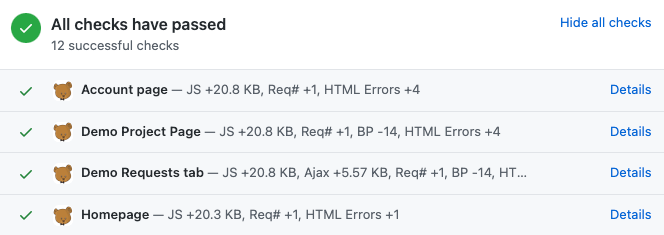
Now, when you’ve got a Pull Request with a deploy preview, you can see right on GitHub if the metrics are in-line.
That’s an awful lot of value for very little work. But don’t be fooled by the simplicity — there are all kinds of advanced things you can do. You can warm the cache. You can test from different geolocations. You can write a script for a login that takes the CSS selectors for inputs and the values to put in them. You can even even have it execute your own JavaScript to do special things to get it ready for testing, like open modals, inject peformance.mark metrics, or do other navigation. ????