A variety of front-end code playgrounds have appeared over the years. Most offer a quick and dirty way to experiment with client-side (and sometimes server-side) code then share it with others. Here’s our look at seven of the best.
Online coding playgrounds typically include:
- color-coded HTML, CSS, and JavaScript editors
- code command auto-complete
- a preview window which (normally) live reloads without a manual refresh
- HTML preprocessors such as HAML
- Less, Sass, Stylus, and similar CSS preprocessors
- inclusion of popular JavaScript libraries such as React, Preact, Angular, and Vue.js (some newer playgrounds also allow back-end code development)
- developer consoles and code validation tools
- coding collaboration facilities
- sharing via a short URL
- embedding demonstrations in other pages
- code cloning and forking
- copying to code repositories such as GitHub
- zero cost for a basic service
- further premium services for a small monthly charge
- a way to show off your coding skills to the world!
They allow you to test and keep experimental code snippets without the rigmarole of creating files, firing up your editor, or running a local server.
Let’s look at some of the better options.
1. CodePen
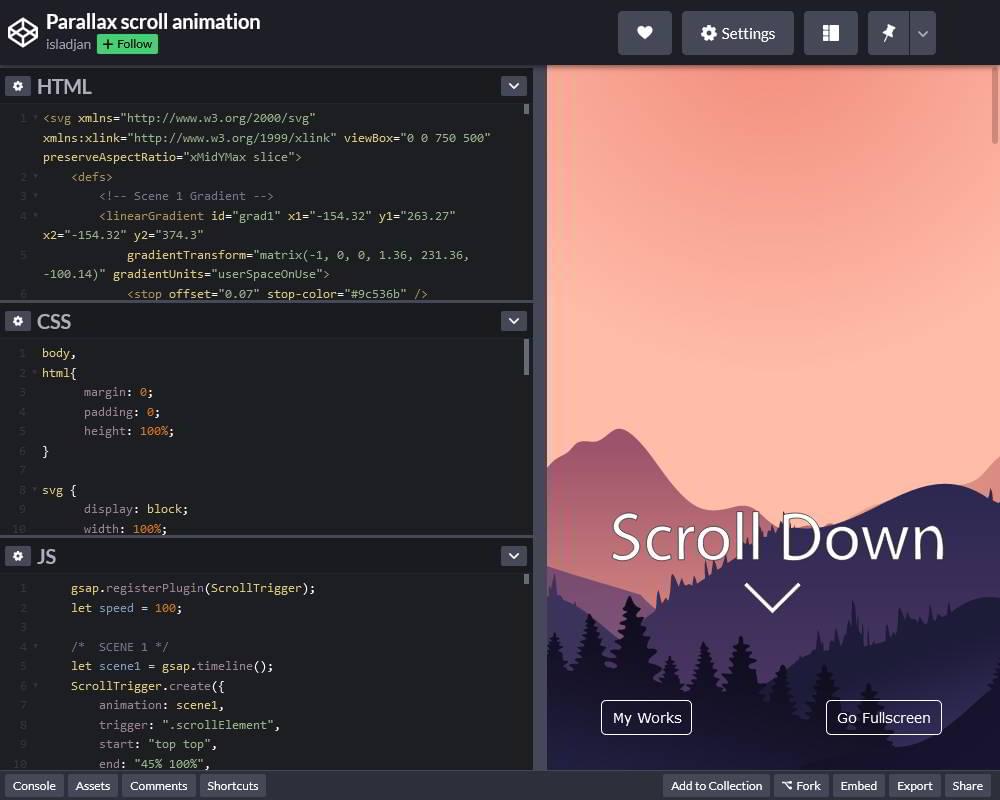
CodePen wasn’t the first, but it’s one of the most popular and best-looking code playgrounds. Co-founded by Chris Coyier of CSS-Tricks, the service highlights popular Pens (client-side demonstrations) and Projects (online integrated development environments you can use to build web projects). It offers a clean and functional user editing interface with advanced functionality such as sharing, embedding, an error console, external JavaScript libraries, popular CSS preprocessors, and more.
CodePen PRO provides private Pens, asset hosting, a collaboration mode, and themes for embedded iframes starting from $8 per month.
2. JSFiddle
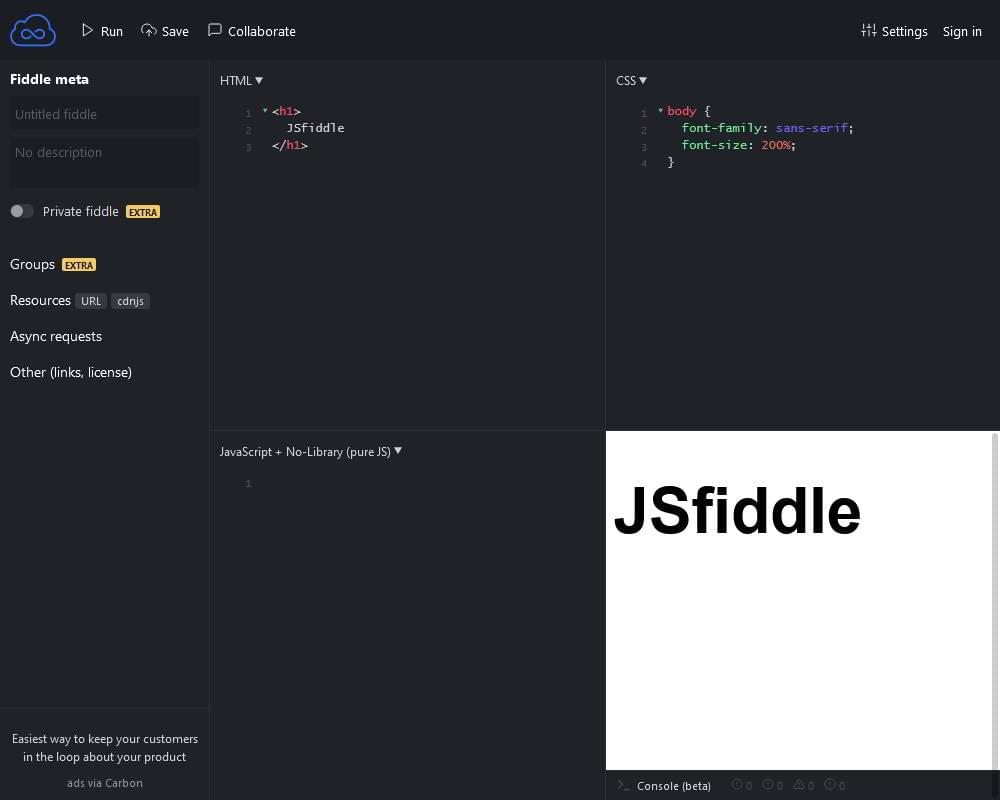
JSFiddle was one of the earliest code playgrounds and influenced those which followed. It can be used for any combination of HTML, CSS, and JavaScript testing and offers a range of libraries and frameworks. Unusually, it can also simulate asynchronous Ajax requests.
JSFiddle concentrates on code so you won’t find a range of social features such as highlighted demonstrations and sharing facilities. The interface is simpler than others and, unusually, you must hit Run to reload the results pane. However, it always feels snappy and its simplicity may be preferable to some.
3. JS Bin
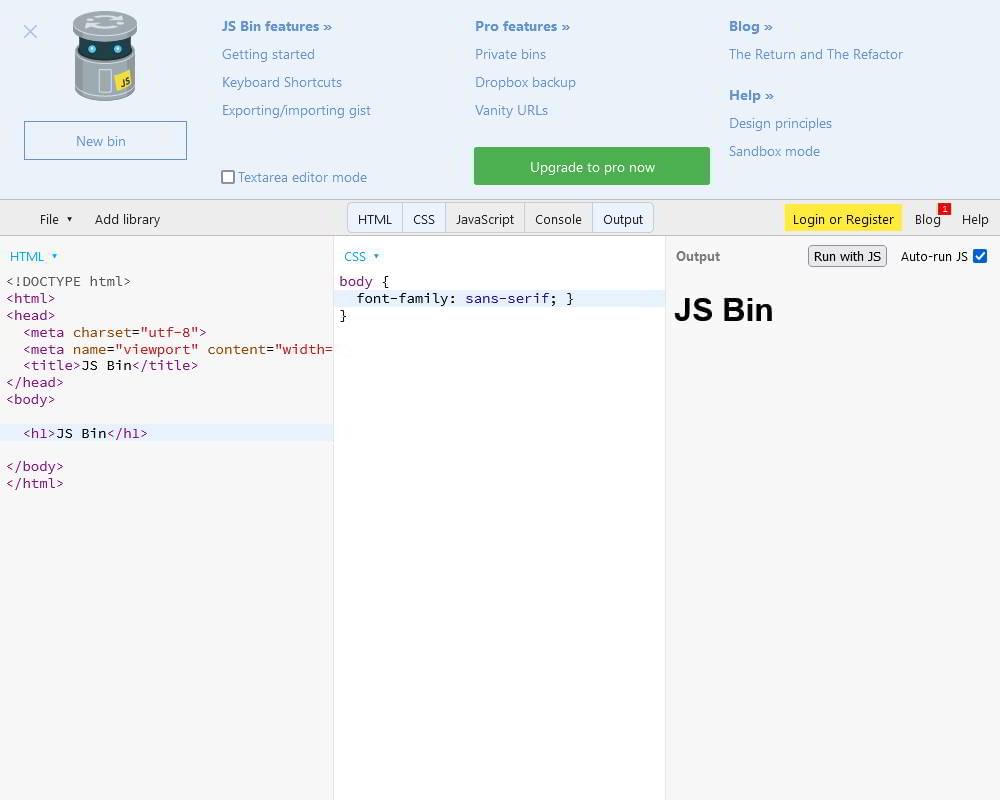
JS Bin was created by JavaScript guru Remy Sharp and is still managed by him. It concentrates on coding basics and handles them well. Unlike some other playgrounds, you can edit the whole of an HTML file including the <head>.
As well as the usual options, libraries, and preprocessors, JS Bin was one of the first to offer a logging console, which is essential for JavaScript development. The commercial Pro account provides advanced features such as asset uploading, private bins, vanity URLs, and Dropbox synchronization. You can even download and install JS Bin locally if you’re concerned about privacy or don’t want others to see the state of your code!
Continue reading 7 of the Best Code Playgrounds on SitePoint.