Well, if you are planning to sell your stuff online and make money, then there are a few top eCommerce platforms that would help you out. Shopify is the name that is imagined at first while talking about an eCommerce platform.
Apart from permitting user ease while using it, the Shopify App market is altered for assisting the businesses to grow perfectly. The top assets of Shopify are its amazing features.
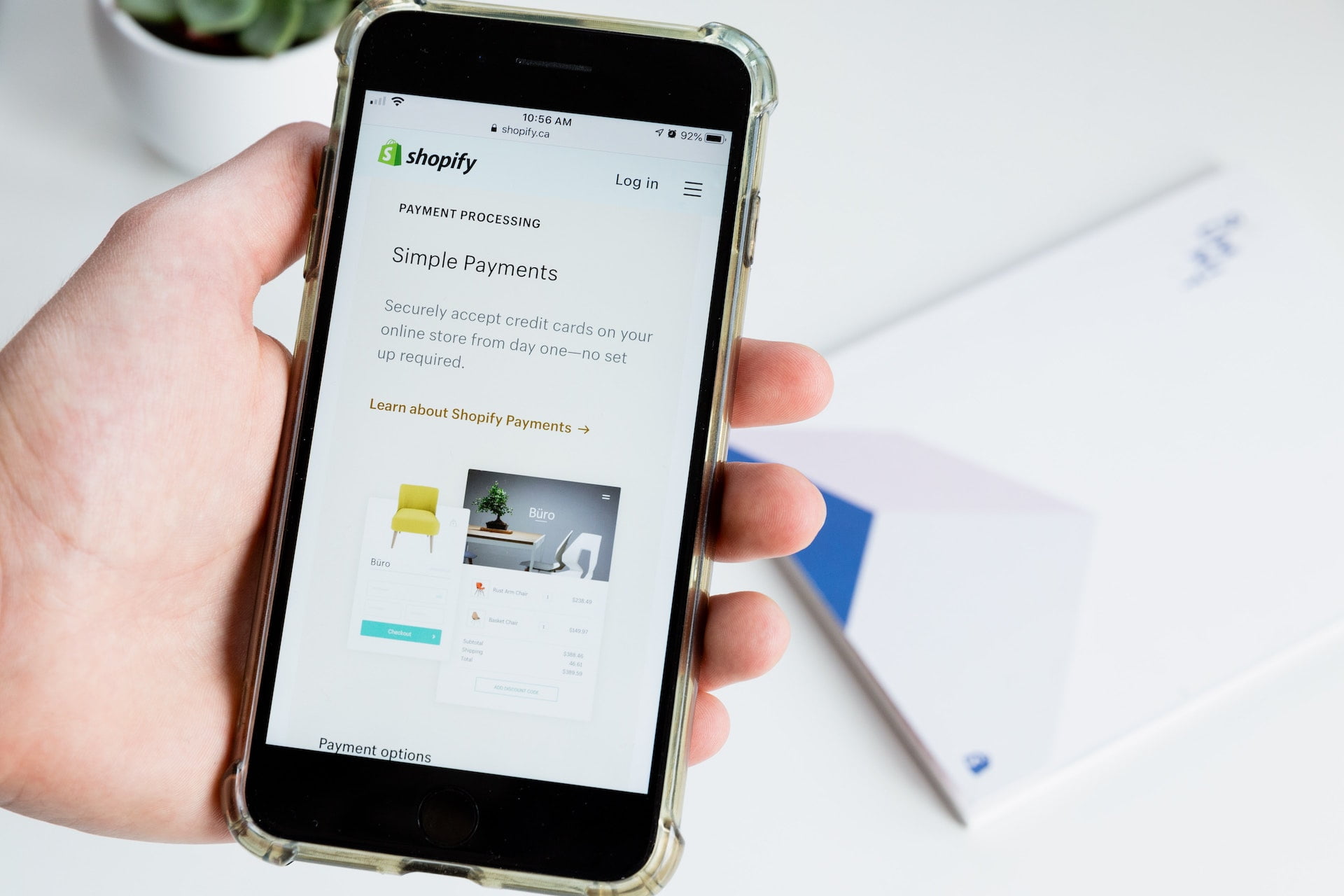
Even when it comes to the payment processing feature of an eCommerce platform, Shopify Payments comes into play.
Today, we are here with a post through which you are going to know everything you need about Shopify Payments. So, let’s get started.
What are Shopify Payments?
Table of Contents
An in-built payment processor belonging to Shopify, the Shopify Payments diminishes the requirement for a 3rd-party payment solution. Still, you can use 3rd-party processors, such as Stripe and PayPal on your Shopify website, but Shopify Payments offers you numerous options to put aside all distinct account activations and dashboards that arrive with those other processors.
Easy for the customers, Shopify Payments make you available with local currencies and a plethora of widely-accepted payment methods, starting from credit cards to Apple Pay. The ease-of-use of Shopify Payments is the top reason which makes Shopify, a top-rated eCommerce platform.
How Do Shopify Payments Work?
The customers who are purchasing from the Shopify store can pick from various payment options. You must note that if you are choosing Shopify Payments, then you will receive money through such payment processors only.
For all sorts of payment options, you will get paid through Shopify Payments only. Such payment options utilize a fast checkout known as Shopify Pay that permits the users to save their credit card details, email, shipping, and billing information for rapid checkout with future payments.
The payment information of the customers is stored on Shopify servers securely, which comply with the global Payment Card Industry (PCI) Security Standards.
Benefits Of Shopify Payments
Shopify Payments comes with various benefits that will help you to decide which is the right payment processor for your online business.
1. You can track your money in real-time
We can track our sales and revenues with any payment processor, but using Shopify Payments you will get every required display in your Shopify dashboards. So, no more need to remember various passwords and clicking all-around strange 3rd-party websites only to access your financial info.
2. You’ll have support for chargeback recoveries
Being a merchant, chargebacks are usually taken as an accepted risk that you will need to deal with in time. With Shopify Payments, chargebacks are quite easy. It’s because Shopify accumulates the evidence automatically for you that supports your case. Also, Shopify generates a customized, automatic chargeback response to ease your life.
3. Your customers won’t be redirected at checkout
Just appending more steps than is required to your checkout process may not be a good thing for conversion rates. Shopify Payments eases the checkout process for customers, despite appending more steps.
Shopify Payments vs Other Payments
You are not required to use Shopify Payments only because you run your eStore through Shopify. Shopify integrates with 100+ other payment processors, embracing the giants, such as Stripe and PayPal. So, which one to pick. For that, you should know the benefits and drawbacks of every payment processor. So, let’s check out which payment processor will beat the competition.
You, Will, Need Support For Chargeback Recoveries
Well, as mentioned above, Shopify Payments permit the merchants to win the chargeback disputes and recover the lost sales. For any received chargebacks, Shopify offers the responses automatically that are custom-generated from order, shipping, to customer information of the disputed charge.
When talking about Stripe, it utilizes the machine learning technology of Radar to prevent fraud. If later a charge gets disputed, Stripe holds the caliber to repay the disputed amount along with chargeback fees.
In the case of PayPal, it favors the buyers when it comes to chargeback disputes. Also, you will be required to offer additional proof relevant to the transaction if you want any assistance.
Shopify Payments Customer Support
With Shopify Payments, you will get customer support around the clock through phone and chat options.
On the contrary, Stripe also holds various ways to connect with the customers when they emerge with any question, through chat support channels, social media, and help center, also via email support and phone.PayPal on the other edge offers various ways to revert to its customers’ questions from their team of customer support, such as a help center, community forum, social media, live chat, email, and phone support.
Shopify Payments Mobile App
Both the Shopify apps, Android and iOS are available for handling your online store.
Whereas, Stripe mobile dashboard app is also available for Android and iOS.
In the case of PayPal, you can access your account from your Android as well as an iOS phone at any time.
Your Customers Won’t Be Redirected At Checkout
As mentioned earlier, with Shopify Payments your conversion rates will not get hurt as it eases the checkout process for your customers without adding more steps.
When it comes to Stripe, it redirects your customers away from your site during the checkout process.
With PayPal, you can develop a custom checkout process that would help you in increasing your conversions.
Shopify Payments Transaction Fees
You will be charged 2.9% + $0.30 per transaction for using Shopify Payments & 2.7% for in-person payments.
Whereas, 2.9% + $0.30 per transaction for using Stripe online payments & 2.7% + $0.05 per transaction for in-person payments
Coming onto PayPal processing fees, it’s based on the revenue you generate per month. If you earn below $5k per month, then you will be charged a 3.4% + 45c transaction fee on each order.
Shopify Payments is Best For:
Shopify Payments is best for the business owners who are currently using Shopify or planning to use it to host their online store.
On the contrary, the business owners who are searching for more flexible, customizable payment solutions and don’t use Shopify as their eCommerce platform may use Stripe.
Whereas, PayPal provides an extensive suite of payment solutions for small businesses that are best for anyone demanding to start at an affordable price.
Conclusion
If you are a Shopify merchant and want to craft a positive shopping experience for your customers, at the same time need a payment gateway that is reliable, safe, offers you quick access to your money, you may pick Shopify Payments.
Well, setting up Shopify Payments is much easier, but because of this, it’s not like it’s less important. Be sure that you input your entire business details and banking information at your first sale within 21 days, otherwise, the payments will be refunded to the buyer automatically.
Photo by Roberto Cortese on Unsplash