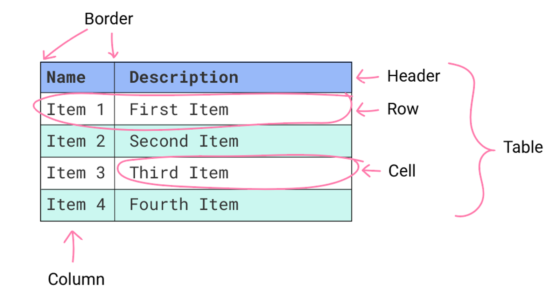
Shipped with Chromium 91 is TablesNG, a under-the-hood rewrite regarding tables.
The old table implementation — from WebKit before — was very old, and limited further development. The rewrite that landed emphasizes correctness, fixing 72 bugs in one sweep.
From the list of fixed bugs mentioned in the developer notes, these stand out to me.
~
Table of Contents
- Subpixel geometry
- <TD> supports orthogonal writing modes
- visibility: collapse; for table columns
- Sections/rows can have position: that is not static
- In Closing
~
# Subpixel geometry
With Subpixel Geometry three cells in a 100px table will now be given a width of 33.333333px each. Before the first two cells would get a width of 33px, and the third one would get a width of 34px.
~
# <TD> supports orthogonal writing modes
This allows us to have rotated table headers in tables, without needing to resort to extra spans and CSS rotations:
See the Pen TablesNG — TD supports orthogonal writing modes by Bramus (@bramus) on CodePen.
The code looks like this:
thead th:not(:first-child) { writing-mode: vertical-lr; /* Switch to vertical writing mode, rendering the label text at 90 degrees */ text-align: right; /* Align labels to visual bottom edge */ padding-top: 1em; /* Add padding to visual top */
}
If you’re not using Chromium 91+, you can check this visual reference:
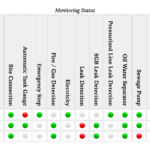
To me the labels are visually rotated in the wrong direction though: they are rotated 90 degrees to the right. To make it visually more pleasing (to me) I want them to be rotated 90 degrees tot eh left (e.g. -90 degrees). Changing from vertical-lr to vertical-rl has no effect on this, but thankfully we can shake some more CSS Magic out of our sleeves using scale(-1):
thead th:not(:first-child) { writing-mode: vertical-lr; /* Switch to vertical writing mode, rendering the label text at 90 degrees */ transform: scale(-1); /* Flip it 180 degrees */ text-align: left; /* Align labels to visual bottom edge */ padding-bottom: 1em; /* Add padding to visual top */
}
See the Pen TablesNG — TD supports orthogonal writing modes (rotated) by Bramus (@bramus) on CodePen.
~
# visibility: collapse; for table columns
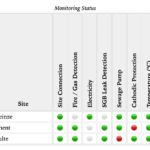
This allows us to hide entire columns by setting visibility: collapse; on a column in a <colgroup>
col.hidden { visibility: collapse;
}
See the Pen TablesNG — visibility: collapse; for table columns by Bramus (@bramus) on CodePen.
If you’re not using Chromium 91+, you can check this visual reference:
~
# Sections/rows can have position: that is not static
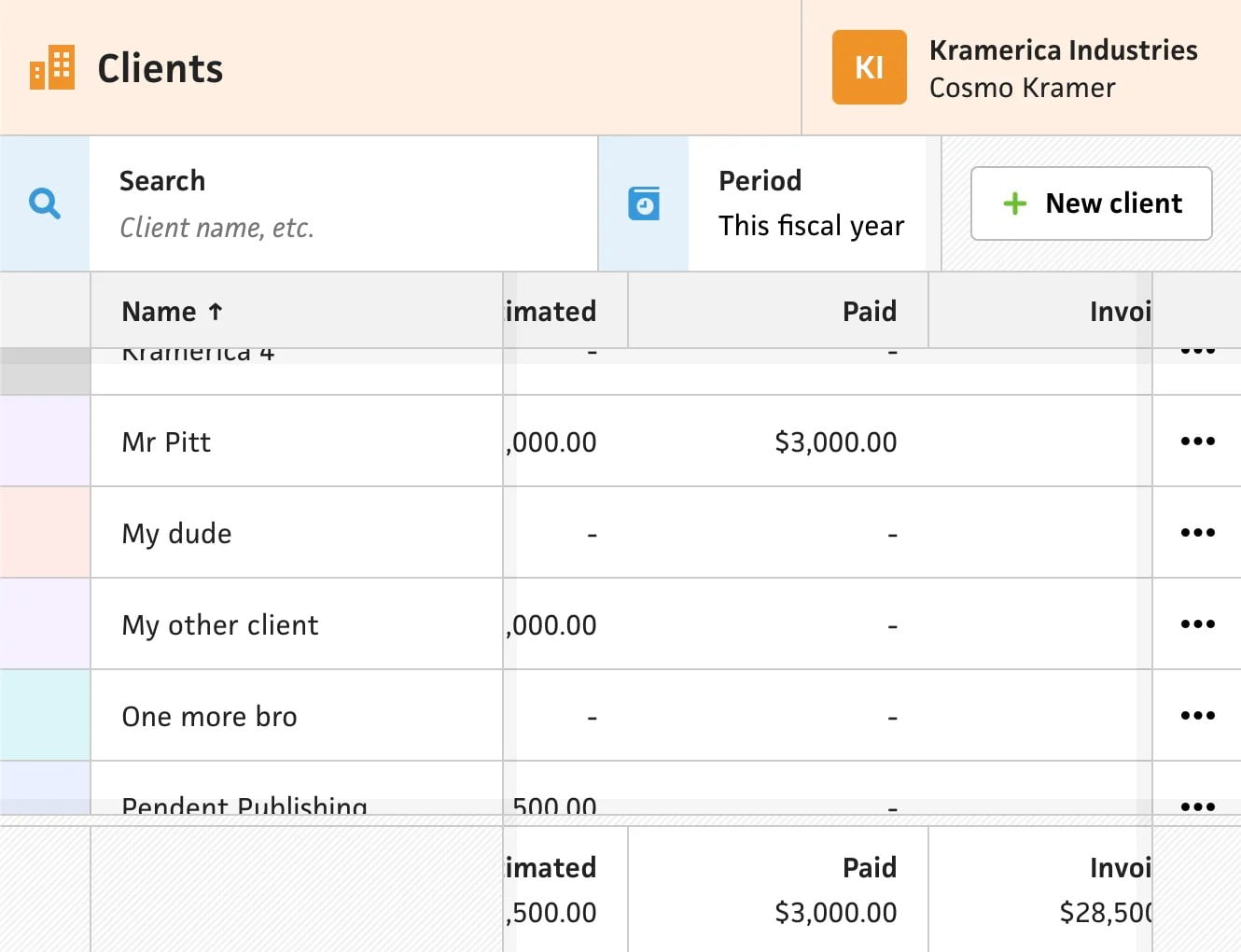
This one is a huge addition, as it — finally — allows us to set position: sticky on table headers!
thead { position: sticky; top: 0;
}
Yes, that piece of code will work as expected ????
Over at CSS-Tricks, Chris Coyier has done a write-up + demo:
See the Pen Sticky Table Headers and Footers by Chris Coyier (@chriscoyier) on CodePen.
You can also set position: sticky; on individual <th> elements instead of the <thead> if you want.
~
# In Closing
While these changes are very welcome, there unfortunately are some compatibility issues: Safari still uses the “old” tables rendering engine and drags every other browser down with it that way. Firefox led the way before regarding table rendering, and can quite keep up with Chromium’s TablesNG.
~
???? Like what you see? Want to stay in the loop? Here’s how: