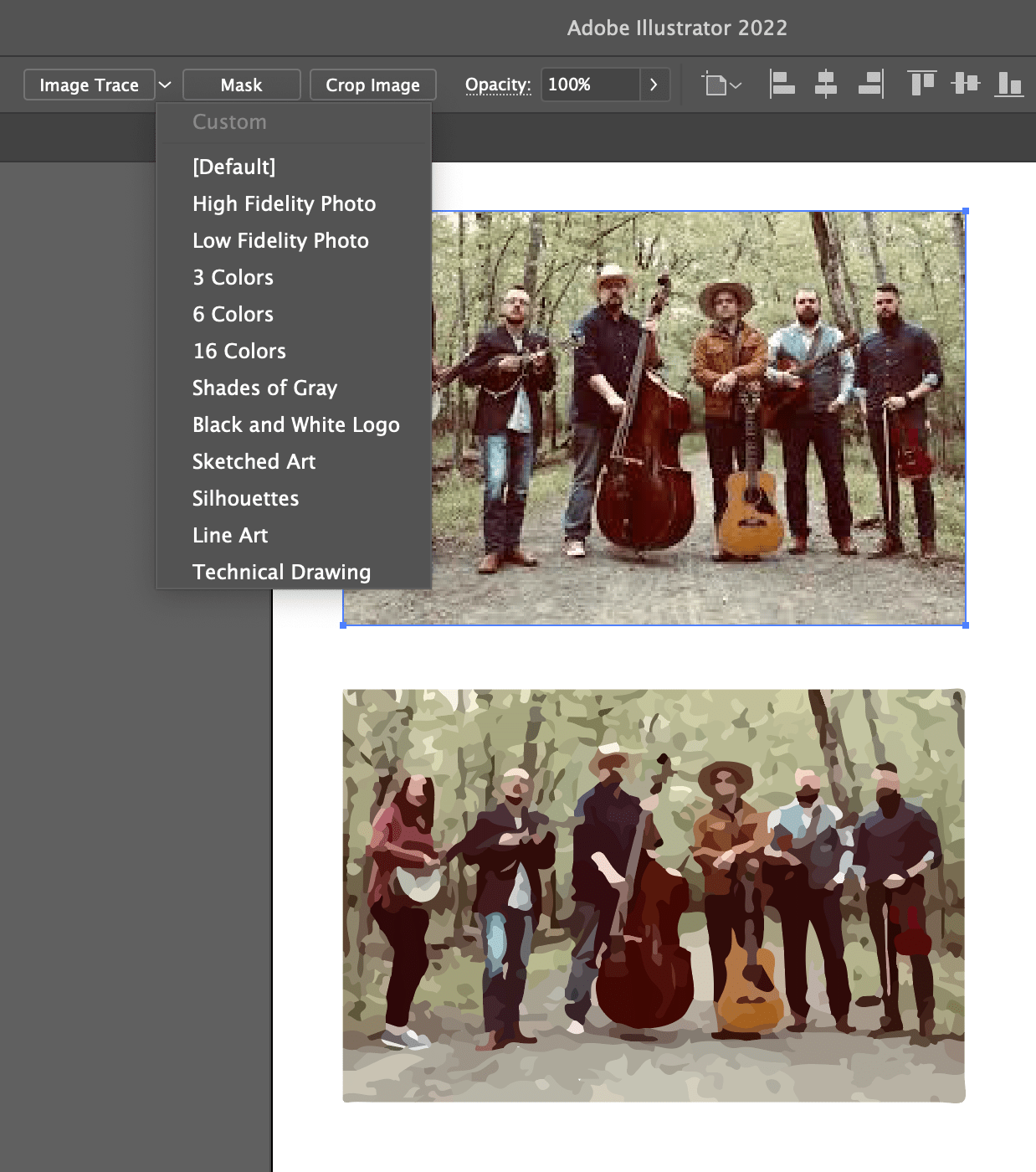
Say you have a bitmap graphic — like a JPG, PNG, or GIF — and you wish it was vector, like SVG. What do you do? You could trace it yourself in some kind of design software. Or tools within design software can help.
(I don’t wanna delay the lede here, there is a free online tool for it now called SVGcode.)
I remember when Adobe Illustrator CS2 dropped in 2005 it had a feature called “Live Trace” and I totally made it my aesthetic. I used to make business cards for my folk band and they all had the look of a photograph-gone-vector. These days they apparently call it Image Trace.
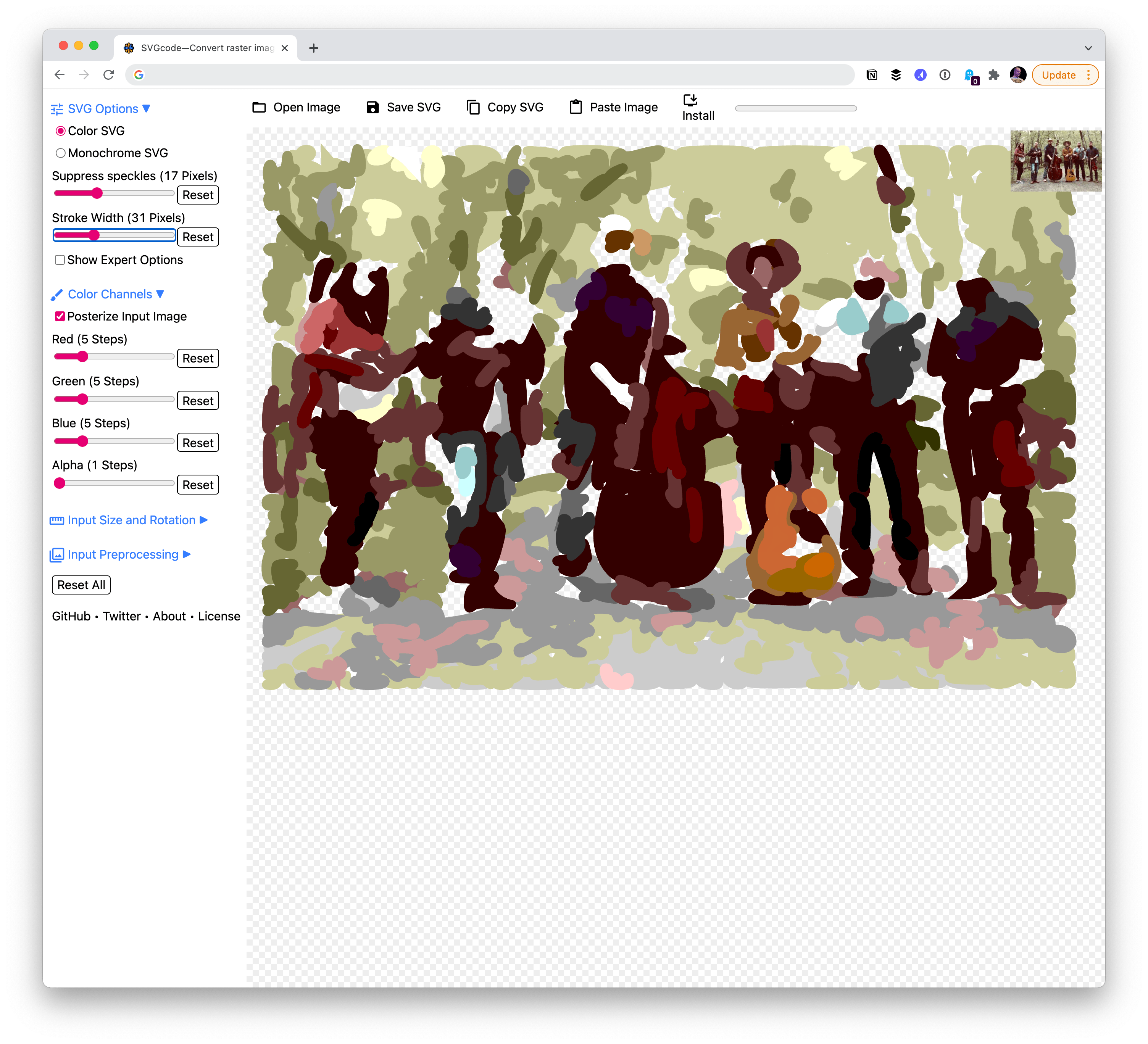
SVGcode does exactly this, for free
Adobe software costs money though, so what other options are out there? I imagine they are out there, but now there is a wonderfully single-purpose web app called SVGcode for it by Thomas Steiner! He’s written about it in a couple of places:
I think it’s so cool both in what it does (super useful!) but also in the approach (so impressive what web apps can do these days!):
It uses the File System Access API, the Async Clipboard API, the File Handling API, and Window Controls Overlay customization. […]
Credit where credit is due: I didn’t invent this. With SVGcode, I just stand on the shoulders of a command line tool called Potrace by Peter Selinger that I have converted to Web Assembly, so it can be used in a Web app.
My just-out-of-college aesthetic is gonna live on people!
Thomas joined me and Dave over on ShopTalk episode #497 if you’re interested in hearing straight from Thomas about not just this, but the whole world of capable web apps. That episode was sort of designed as a follow-up to an article I wrote that asks: “Why would a business push a native app over a website?”