If you use VS Code, you might have enabled the setting for re-opening a previously open file next time the app launches. I do. I like that.
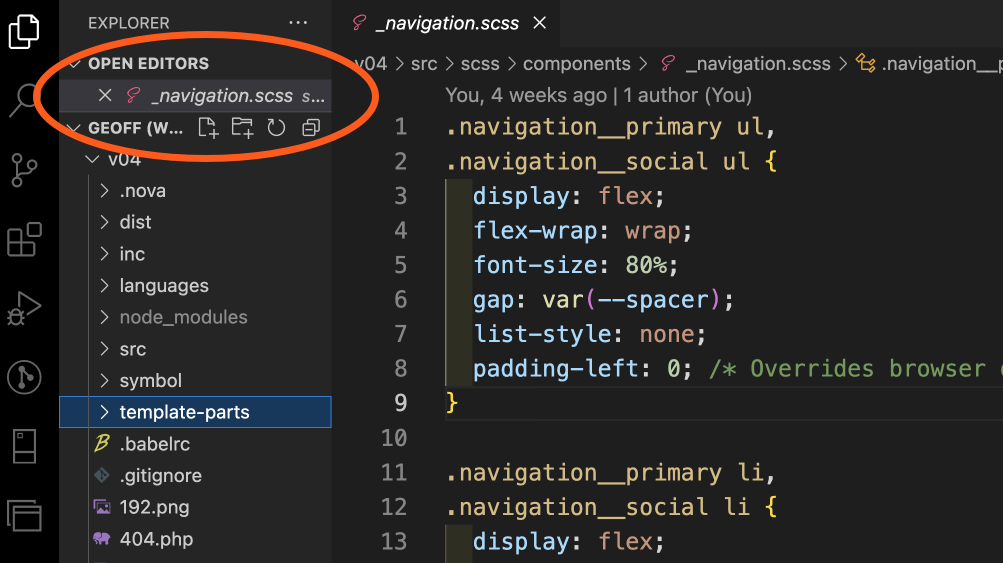
But sometimes you really, really don’t want that to happen.
I recently ran into one of those times! I had to reinstall my local copy of this site and, with it, the 3GB+ database that accompanies it. Being a WordPress site and all, I needed to open up the SQL database file to search-and-replace some stuff.
If you’ve ever tried to open a super duper large file in VS Code, then you know you might need to jiggle a few settings that increase the memory limit and all that. The app is super flexible like that. There’s even a nice extension that’ll both increase the memory and perform a search-and-replace on open.
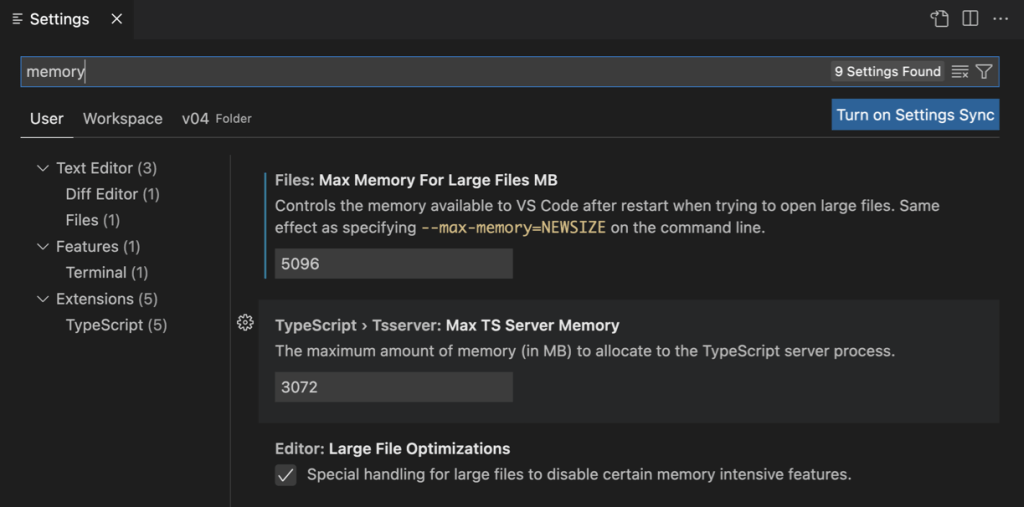
Anyway, that big ol’ database file crashed VS Code several times and I wound up finding another way to go about things. However, VS Code keeps trying to open that file and inevitably crashes even though I nuked the file. And that means I wait for the MacOS beachball of fun to spin around before the app crashes and I can reopen it again for reals.
Well, I finally decided to fix that today and spent a little time searching around. One Stack Overflow thread suggests disabling extensions and increasing the memory limit via the command line. I’m glad that worked for some folks, but I had to keep looking.
Another thread suggests clearing the app’s cache from the command palette.
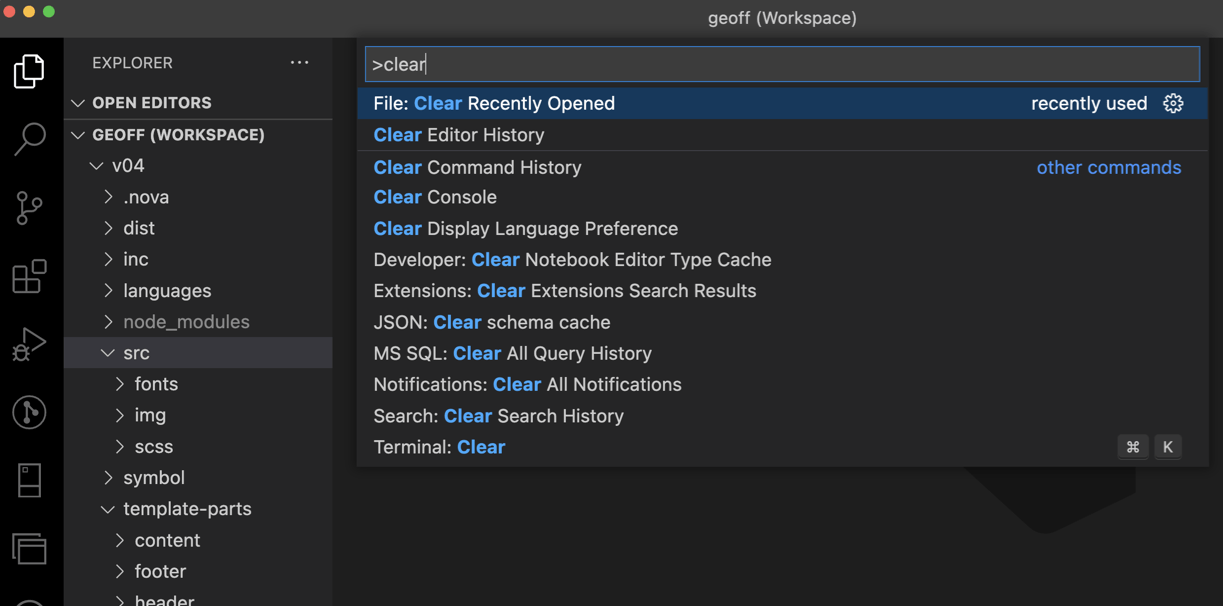
Nice, but no dice. ????
I wound up going with a scorched earth strategy shared by Jie Jenn in a helpful YouTube video. You’ve gotta manually trash the cached files from VS Code. The video walks through it in Windows, but it’s pretty darn similar in MacOS. The VS Code cache is located in your user folder.
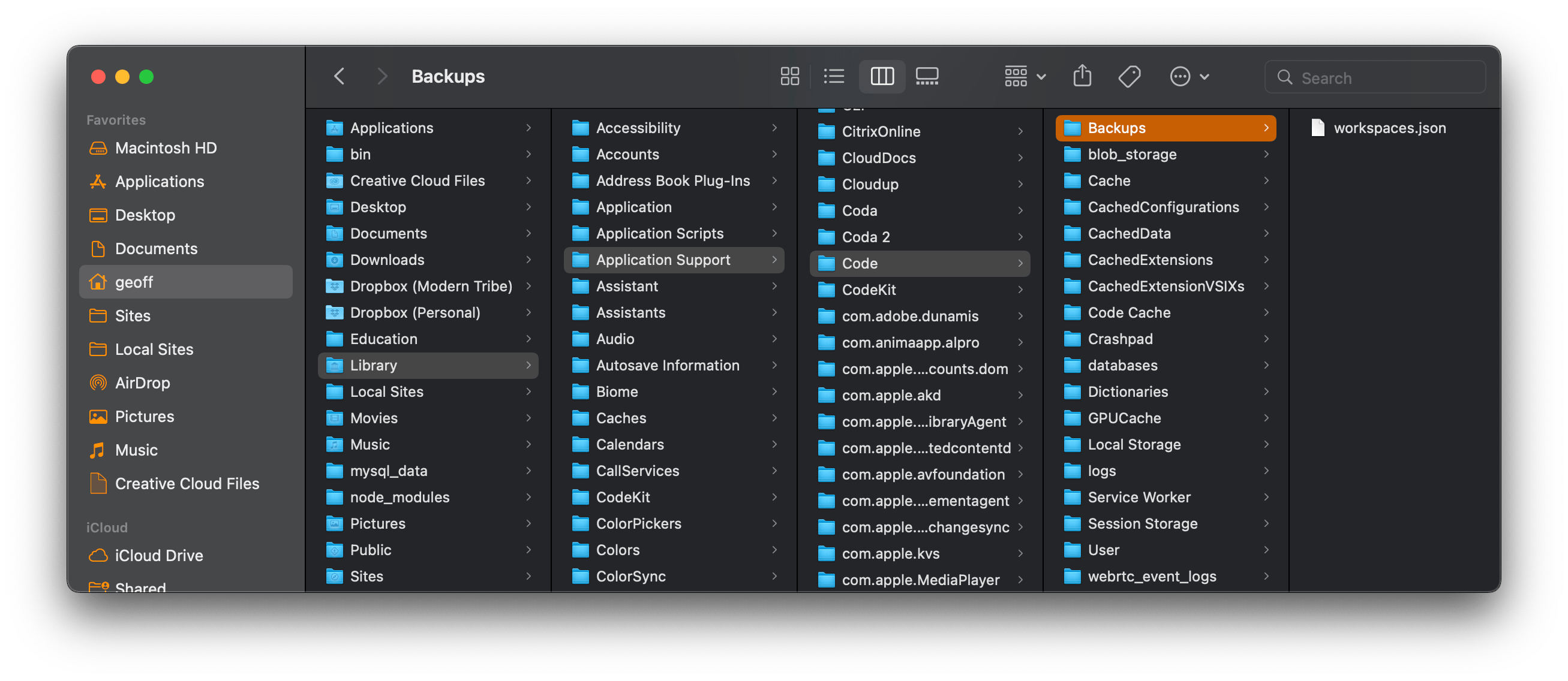
Notice that I have the Backups folder highlighted there. Jie removed the files from the CachedData folder, but all that did was trigger a prompt for me to re-install the app. So, I took a risk and deleted what appeared to be a 3GB+ file in Backups. I showed that file the door and VS Code has been happy ever since.
Ask me again in a week and maybe I’ll find out that I really screwed something up. But so far, so good!