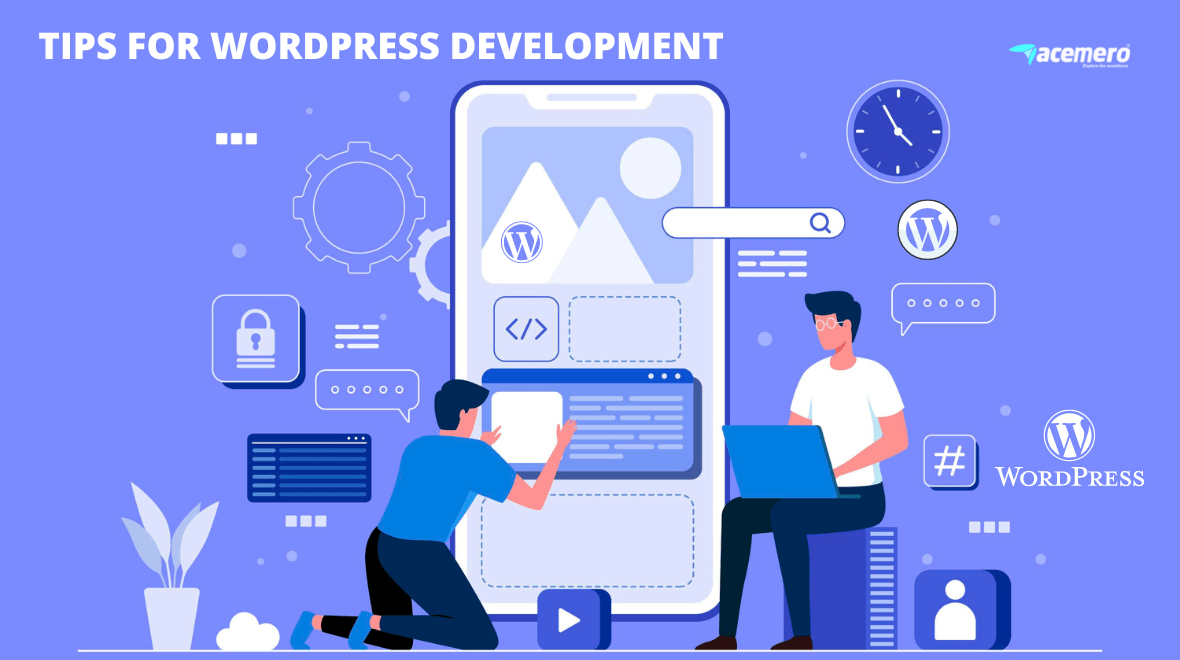
To know about WordPress development, first, you guys need to know about WordPress itself. And why is it used?
WordPress is a free, open-source website creation platform. On a technical level, we can say that it is a content management system(CMS) that uses PHP and MySQL databases.
WordPress developers are professionals, and they specialize in the ecosystem and infrastructure of developer platforms.
There are WordPress websites that use WordPress as their content management system. It acts as both the front end and back end of a website.
The following are some examples of websites that can be developed with WordPress.
- E-commerce development :
This includes e-commerce website development. A website helps to sell goods and services over the internet. You can process orders, manage to ship, accept payment, and be able to provide customer feedback through e-commerce websites.
- Membership websites:
A membership website includes members-only content, and only members can make use of it. By using membership websites, you will get a reliable stream of income, credibility, an opportunity to refine your content, etc.
- Forum websites:
It is also known by the name of an internet forum or message board, which is an online discussion site. Here, people hold conversations in the form of posted messages. This website helps users ask questions or share advice.
- E-learning websites:
You may be aware of e-learning websites. It is an electronic learning platform that gives interactive online services like trainers, tools, learners, and resources that support educational delivery and management. Here the students can take online courses, download resources, etc.Using the WordPress LMS plugin, you can offer online courses from a WordPress website.
A blog is a special type of website, and on these websites, you can be able to share photos, tutorials, thoughts, recipes, and more.
- Business websites:
Business websites provide information about your firm, company, or a direct platform for e-commerce. Through websites, customers can contact you, schedule an appointment, ask for a quote, etc. Customers can be able to learn about companies via websites.
- Portfolio websites:
Portfolio websites are the most basic form of a website. A website showcases the work of an individual or company, as well as provides professional information about them. It includes the online work you have created, as well as experience and skills.
- Event websites:
An event website is a cost-free digital advertisement for the event you’re organizing. One is a website that hosts and organizes events, and the other type is a website that sells tickets for events like parties, conferences, expos, etc.
Tips to learn WordPress development
- Learn Word Press basics using different resources.
- Create a basic HTML page.
- Using CSS, you can change the layout and styling of the page’s elements.
- Add interactions to the page using Javascript.
- On that page, use a form plugin or a slider plugin with jQuery.
- Use Bootstrap to create a webpage.
- Using PHP, submit a registration form to MySQL.
- Using PHP, create a Posts Table and add posts to it.
- Design a basic WordPress theme.
- Become familiar with the WordPress template hierarchy.
- Understand and write loops in theme templates.
- Create widgetized areas and menu areas in the theme.
- WordPress Hooks – Actions and Filters.
- Create a WordPress plugin to send a congratulatory email to the Author and Editor once a post is published.
- Learn to customize the Admin Area.
- Upload plugins and themes to WordPress.org.
Features of WordPress
WordPress has an impressive feature set. Here are a few features of WordPress.
- New in WordPress 5.0:
WordPress 5.0 comes with a Gutenberg editor, i.e., also known as the WordPress block editor.
- Custom Menu:
It is easy to create a navigation menu using WordPress.
- Media file library:
WordPress includes a media file library. Here you can embed and upload files such as videos or images into your post or page.
- Speed
- Built-in blog:
Adding a blog to your website is simple.
- User interface:
It has an easy-to-use user interface. WordPress has no complicated settings.
- Mobile-friendly:
WordPress themes are mobile-friendly.
– October 11, 2022 – 171 Views